📋 Project Overview
ClientKeep is a full-stack CRM web application built for freelancers and small businesses who are tired of managing clients through spreadsheets, WhatsApp reminders, and scattered notes. It consolidates everything into one clean, fast dashboard.
Built from scratch with Flask and deployed on Render with a Neon PostgreSQL database. The project covers the full SaaS lifecycle: authentication, client and invoice management, payment tracking, PDF generation, CSV exports, a public client portal, and a real-time activity log.
🔥 The Problem
- Freelancers manage clients across Excel sheets, WhatsApp, and sticky notes
- No way to track which invoices are paid, pending, or overdue
- Follow-up reminders get lost — payments slip through the cracks
- No revenue visibility — no monthly income tracking or history
- No professional way to share an invoice with a client
✅ The Solution
ClientKeep provides a single clean workspace where freelancers manage their entire business:
Download PDF → Share portal link with client → Client confirms payment ✓
Set reminder → Check dashboard → Export CSV → Done ✓
One URL. No spreadsheets. No chaos.
✨ Key Features
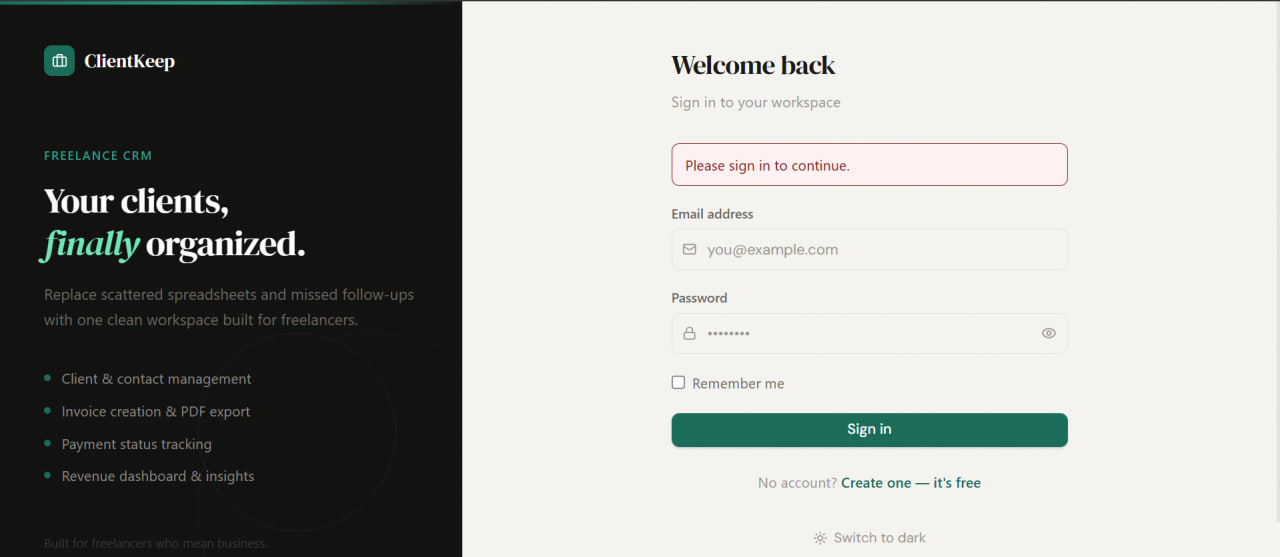
- Secure auth — register, login, logout with hashed passwords (Werkzeug)
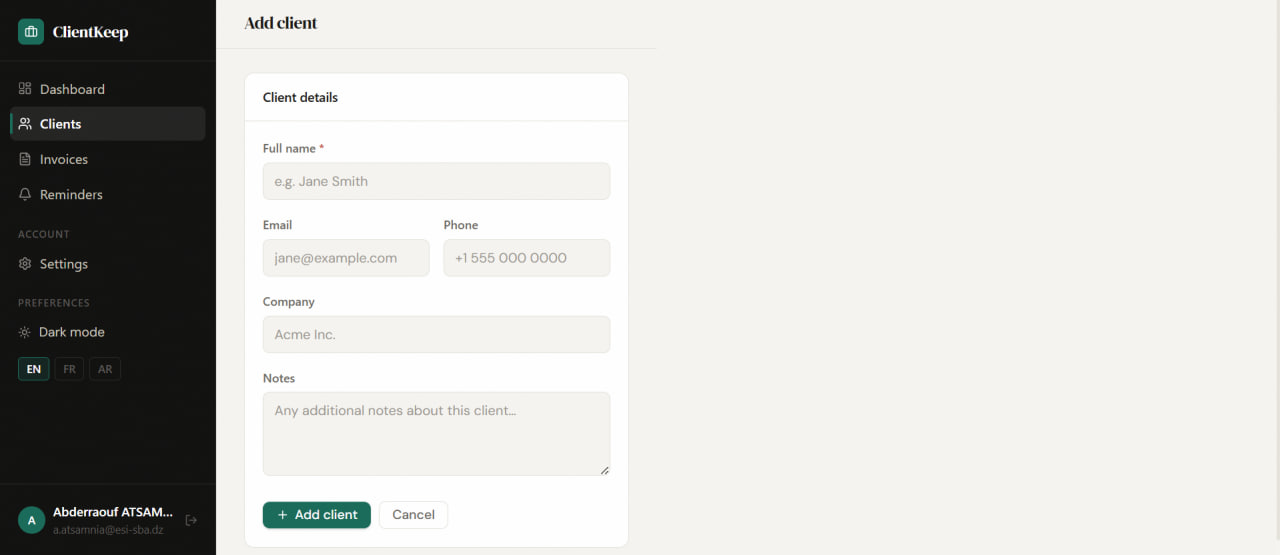
- Client CRUD — add, edit, delete clients with contact details and notes
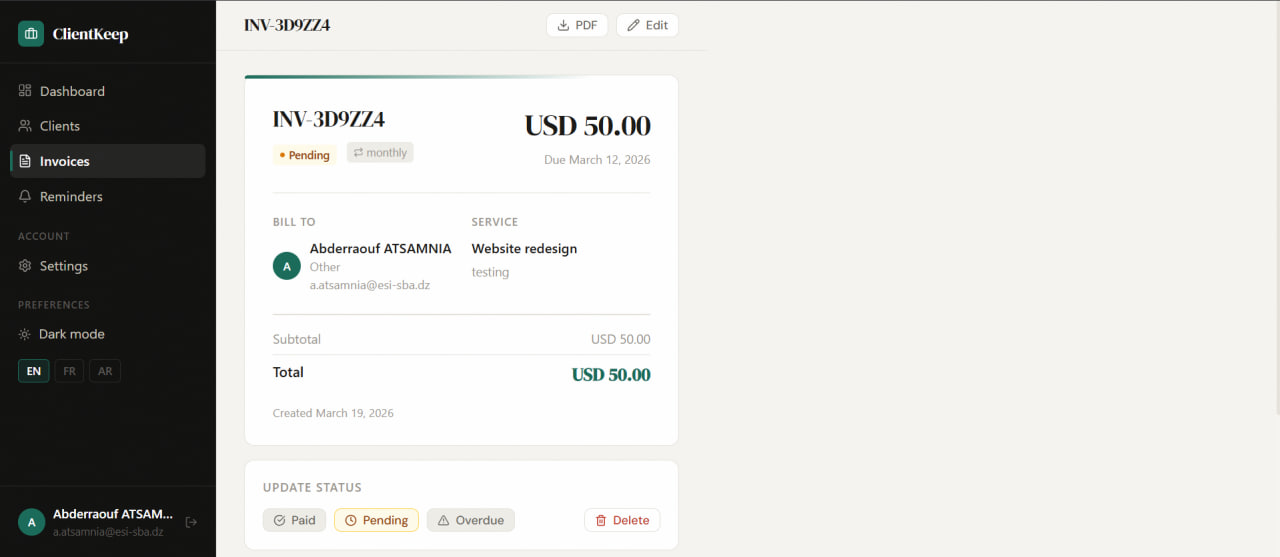
- Invoice system — create invoices with auto-generated numbers, due dates, and status tracking
- Payment tracking — mark invoices as paid / pending / overdue with one click
- PDF invoice download — beautiful branded PDF via WeasyPrint, one click
- Client portal — shareable public link where clients view and confirm payment
- Reminders — create follow-up reminders per client with due dates and overdue detection
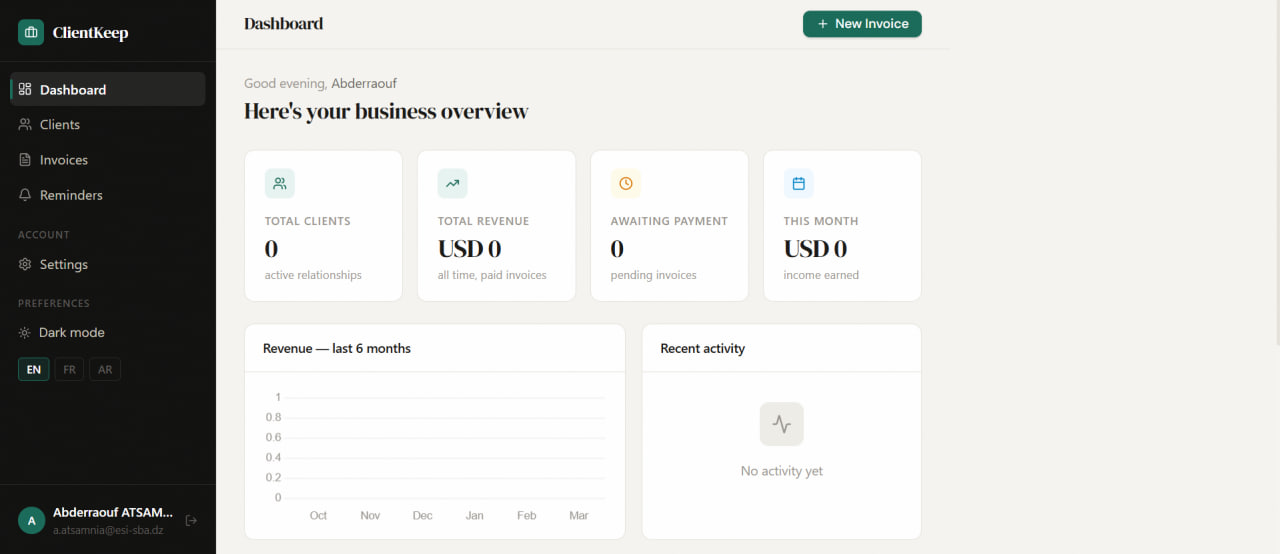
- Revenue dashboard — 6-month bar chart, stats cards, and monthly income tracking
- Activity log — every action logged with timestamp (created, updated, paid, etc.)
- CSV export — export all clients and invoices to CSV for backup or analysis
- Recurring invoices — flag an invoice as monthly or quarterly
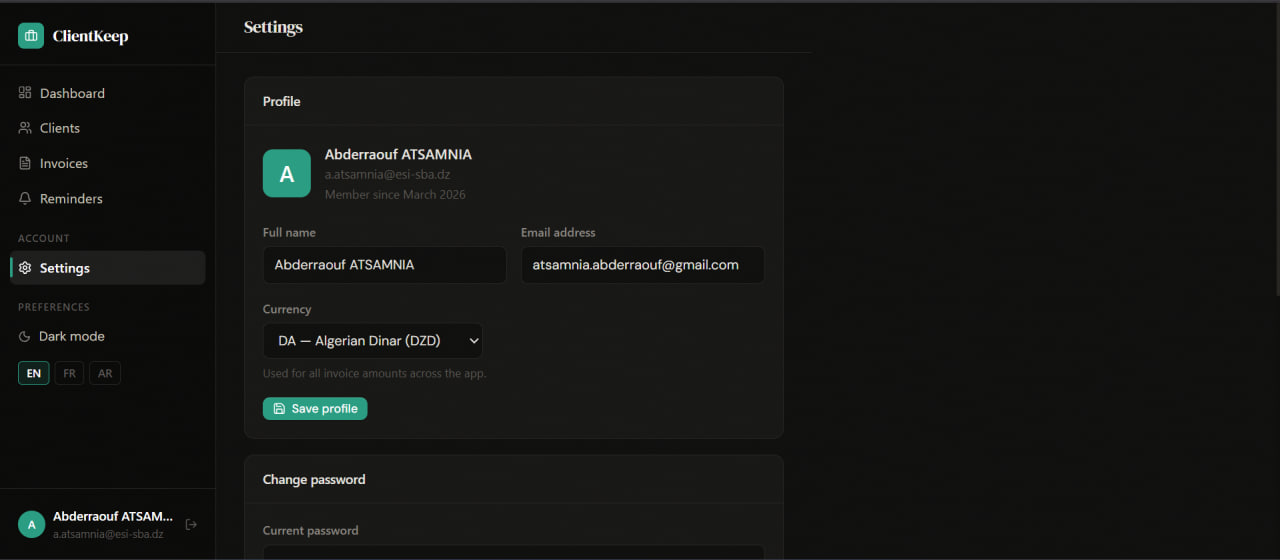
- Currency selector — USD, EUR, DZD, GBP, and 6 more currencies
- Dark / Light mode — persisted in localStorage, smooth transitions
- Language switcher — English, French, Arabic (with RTL layout)
🏗️ Architecture
app.py ← Flask app factory
config.py ← Config + Neon/Render URL fix
models.py ← User, Client, Invoice, Payment, Reminder, ActivityLog
extensions.py ← db, login_manager, migrate
routes/
auth.py ← Register / Login / Logout
dashboard.py ← Stats + chart + activity
clients.py ← Client CRUD
invoices.py ← Invoice CRUD + PDF + status
reminders.py ← Reminder CRUD
settings.py ← Profile + password + currency
portal.py ← Public client portal
export.py ← CSV export
templates/ ← Jinja2 HTML templates
migrations/ ← Flask-Migrate / Alembic
🛠️ Tech Stack
- Python 3 + Flask — backend framework and routing
- PostgreSQL (Neon) — production cloud database
- SQLAlchemy + Flask-Migrate — ORM and schema migrations
- Flask-Login + Werkzeug — auth and password hashing
- WeasyPrint — server-side PDF generation from HTML templates
- Chart.js — 6-month revenue bar chart on dashboard
- Custom CSS with CSS variables — dark/light theme system, DM Serif Display + DM Sans fonts
- Render — free-tier hosting with auto-deploy from GitHub
🔁 User Flow
// FREELANCER
- Register account (no email confirmation)
- Add clients with contact details
- Create invoices with auto numbers
- Track payment status
- Download PDF or share portal link
- Set reminders for follow-ups
// CLIENT
- Receives a portal link via message
- Opens public invoice page
- Reviews invoice details and amount
- Clicks "Confirm payment"
- Invoice marked paid automatically
🗄️ Database Design
- User — id, name, email, password_hash, currency, created_at
- Client — id, user_id, name, email, phone, company, notes, created_at
- Invoice — id, user_id, client_id, invoice_number, service, amount, status, due_date, notes, is_recurring, recur_interval, portal_token, created_at
- Payment — id, invoice_id, amount, paid_at, notes
- Reminder — id, user_id, client_id, title, description, due_date, is_done, created_at
- ActivityLog — id, user_id, action, entity, entity_id, icon, created_at
📸 Screenshots